
AI call automation: inbound calls or outbound follow-ups?
Choose a starting point for AI call automation. Compare incoming customer questions with outbound follow-ups, including the records each workflow needs.
The direction of the call changes the job
An incoming caller has already chosen to contact your business. They may need opening hours, an order update, or help reaching the right person. An outbound call starts with your business, so the workflow needs a clear reason for contacting that customer.
Before choosing an automation, write its purpose in one sentence. “Answer delivery-area questions” is specific enough to test. “Automate customer communication” leaves too many decisions unresolved.
Use inbound automation for a clear, repeatable request
List the common questions a receptionist or support team answers. Pick one where the information is maintained and the next step is straightforward. Work out what happens when the caller asks something else.
An incoming order-status request, for example, needs access to an order record. If that connection is not available, the agent can collect the reference and pass the request to a person, but it should not invent a delivery update.
Give outbound calls enough context
For a follow-up, the agent needs to know why the person is being contacted, what they asked for previously, and what a useful next step looks like. Check your contact permissions and business calling procedures before running a campaign.
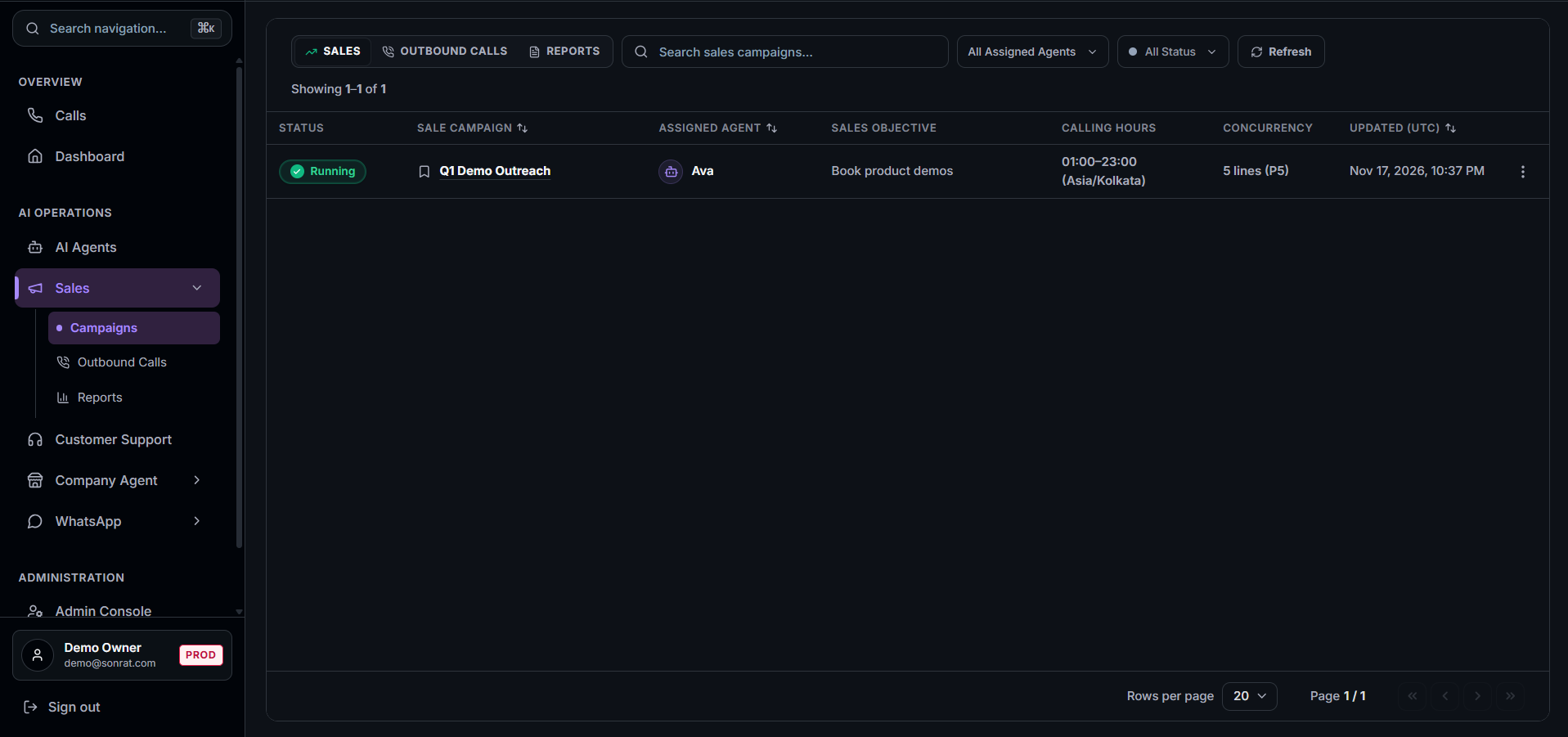
Decide how to record no answer, a request for a later call, an interested customer, and a request not to be contacted again. Calling hours, repeat attempts, and follow-up ownership need explicit settings rather than assumptions.
Compare the records, not just the conversations
For inbound calls, review whether questions were answered or routed correctly. For outbound calls, review contact results and whether the agreed next step was recorded. A connected call is not automatically a qualified lead.
Sonrat.ai’s campaign screenshot shows assigned agents, status, and calling hours. Use it as a starting point for questions about your setup. Begin with a small, reviewed workflow and expand once the team can follow its records without guessing what happened.