
What is an AI call agent? A guide for business teams
Understand how an AI call agent handles customer questions, uses business information, and passes requests to your team. A practical Sonrat.ai guide.
A caller wants an answer, not a tour of your software
A customer phones to ask whether you deliver to their postcode. An AI call agent listens to the question, works with the business information it has been given, and replies by voice. When a request needs an action, the agent also needs a connected tool that can carry it out.
That last part matters. A conversational reply, an order record, and a confirmed appointment are different things. A good setup makes it clear which of those the agent can actually provide.
Choose one useful job first
Start with a narrow task: answering opening-hours questions, collecting a service enquiry, or asking the details needed for a callback. Write down the information required and what should happen at the end of the call.
For a callback request, that might be a name, a contact number, a short description of the question, and a preferred time. The result should be a request a person can pick up, rather than a promise that a callback has already been scheduled.
Give it knowledge, tools, and a way to stop
Business knowledge supplies facts such as hours, policies, and product descriptions. Tools provide access to changing information or actions, such as checking a catalogue. Handoff instructions explain when the agent should involve your team.
If stock information is unavailable, the agent should say that it needs to check. If a caller asks for a person, your workflow needs a real next step. Do not make the caller repeat the same request through several automated responses.
Look beyond a convincing demo
Test incomplete questions, interruptions, unavailable products, and requests outside the agent’s scope. Review whether the resulting records would help a teammate continue the conversation.
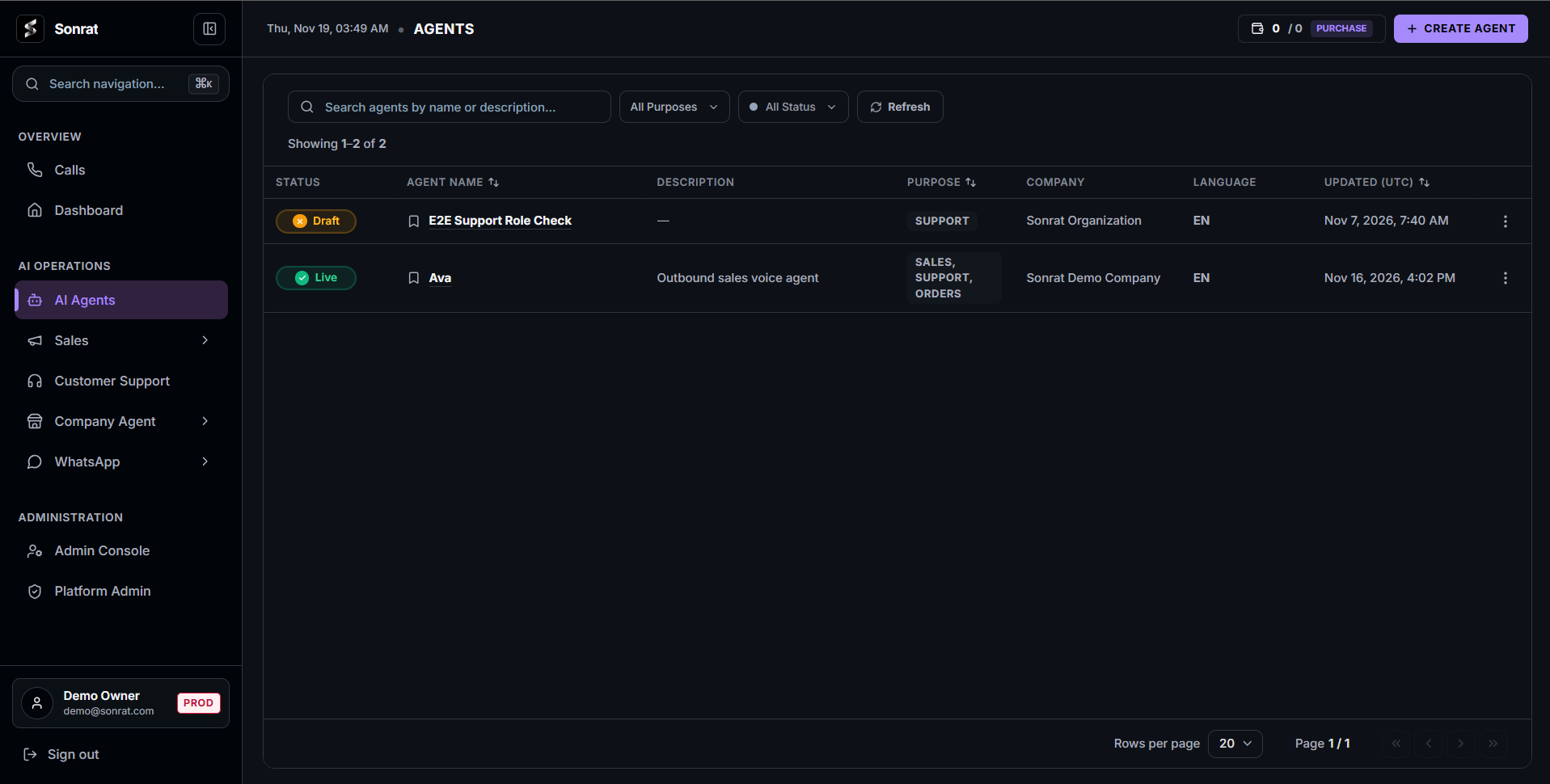
Sonrat.ai’s public product screens show a demo workspace and agent management interface. Use those screens to understand the product, then confirm available features and integrations with the team before planning a deployment. A polished voice preview alone does not show how a business workflow will behave.