
How to prepare a knowledge base for an AI voice agent
What should an AI voice agent know about your business? Start with customer questions, opening hours, product details, and clear handoff instructions.
Start with the questions your team hears every day
“Are you open on Sunday?” “Do you deliver here?” “Can I speak to someone?” These are good starting points for a voice agent’s knowledge base. You do not need a long company document to answer them well.
Make a short list of common questions and write the answer your team would give. Keep opening hours, delivery areas, charges, and contact details in separate entries. When one changes, it is easier to update without missing something else.
Keep changing details close to their source
A product description can explain what you sell. It cannot reliably tell a caller whether the last item is still in stock. Prices, availability, and order totals need a maintained source, such as your connected catalogue.
The same distinction applies to actions. Knowing your booking policy does not give an agent access to your calendar. Add business information to its knowledge base, then connect the tools it needs to check availability or create a record.
Tell the agent when to ask for help
Some questions will not have an answer in your documents. Decide what should happen then. The agent might collect a name and callback number, explain that it needs to check, or pass the request to a person.
Consider a clinic appointment. If a calendar is not connected, “I’ll ask reception to confirm tomorrow morning” is a more useful reply than promising a time that nobody has checked. Write down that boundary before testing the agent.
Try a few awkward questions before going further
Ask about an unavailable item. Give an incomplete address. Change your mind halfway through a request. Ask to speak to a person. These small checks can reveal gaps that a tidy FAQ will not.
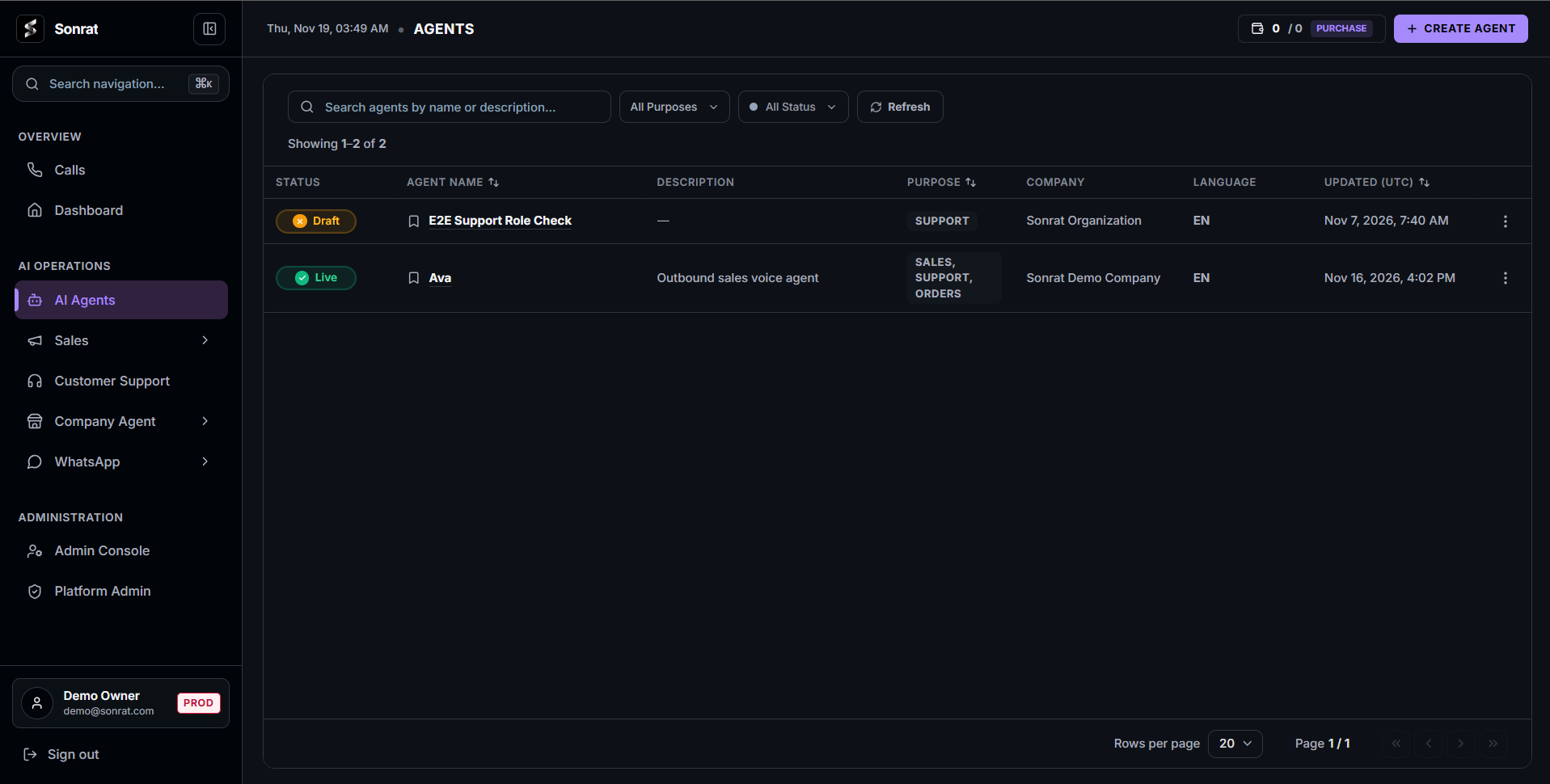
Review the replies against your business information and update anything unclear. In Sonrat’s demo agent screen, the list shows each agent’s purpose, language, and publishing status. Check those details so you know which agent you are working on, and repeat the relevant checks whenever its information changes.