
Phone orders and WhatsApp payment links: a practical guide
Taking orders by phone? Learn what to confirm on the call, when to send a WhatsApp payment link, and what to check before confirming an order.
Get the order right while the customer is on the call
“One Margherita pizza, please” sounds simple. There are still a few things to ask: which size, collection or delivery, and where the order should go. Sending a payment link too early can mean charging for the wrong thing.
Read back the items, quantities, options, and total before moving on. Check prices and availability against the connected catalogue, and give the customer a chance to correct the order.
Make the WhatsApp message easy to recognize
Once the details are agreed, the connected payment tool can create a link for that order. The messaging step needs the right WhatsApp recipient and a connected business account. A voice call by itself does not provide either integration.
Keep the message short: identify the business, show the order reference, and make it clear what the link is for. Check that the amount and recipient match the order before enabling this step for customers.
A sent payment link is not a paid order
There are two separate events here: the link goes out, and the payment succeeds. Keep the order awaiting payment until the payment provider reports the result to your order workflow.
If the result is missing or unsuccessful, leave a clear next step for the team. A customer saying “I’ve paid” is a reason to check the payment record, not a reason to send a paid confirmation automatically.
Let the team pick up where the call left off
Someone following up should be able to see the order reference, conversation, payment state, and notification result together. That saves the customer from having to explain the same order again.
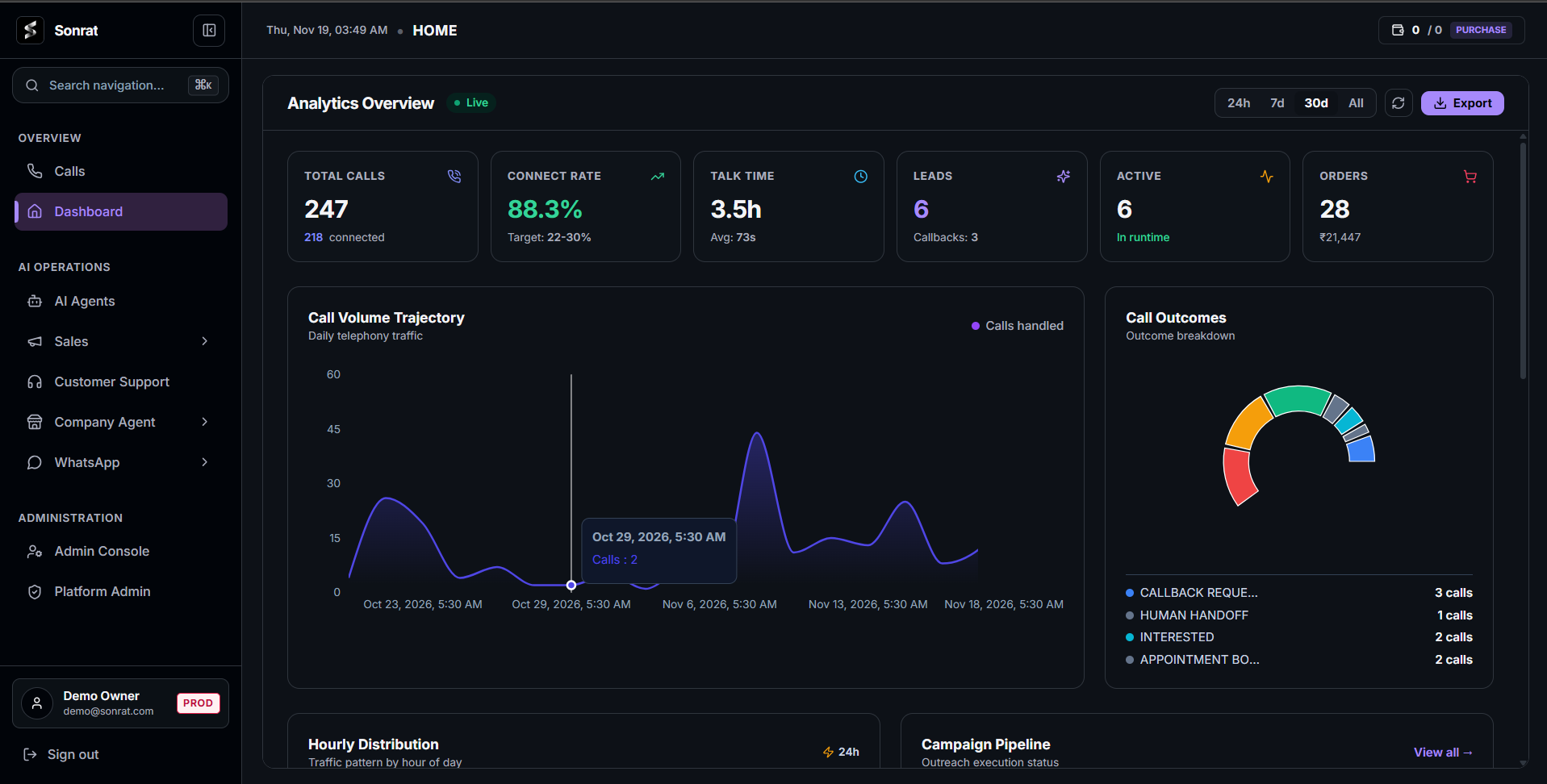
You can see the intended sequence in Sonrat’s phone-order example: call, order details, WhatsApp payment link, payment result, then confirmation. It is an illustrative demo, not a live checkout or a customer success story. The separate workspace screenshots show where the team reviews activity.