
How to review AI call transcripts and outcomes
Review AI call automation with a simple checklist for transcripts, customer details, tool results, and handoffs. Learn what useful call outcomes look like.
Start with a question you want the record to answer
A transcript can tell you what was said. It does not, on its own, tell you whether an order was created or a callback reached the right person. Review the conversation alongside the action or outcome it was meant to produce.
For each sampled call, ask: what did the customer want, what did the agent say, and what happened next? Keep those questions separate so a fluent reply does not hide an incomplete task.
Check the details that change the outcome
Names, quantities, dates, amounts, and addresses deserve attention. A transcript that reads naturally can still contain a detail that sends the workflow in the wrong direction.
Where recordings are available and your business has the appropriate procedures in place, compare the relevant part of the conversation with the recorded detail. Correct the workflow or knowledge source responsible, rather than only editing the final note.
Connect a conversation to its business record
If an order was intended, look for the order reference and its state. If a person needed to take over, check the assigned owner and next action. If a tool failed, check how that failure was communicated.
A good review can end with a clear action: update a delivery-area answer, fix a missing field, or change when the agent routes a caller to your team. “The call sounded good” is not enough to identify those improvements.
Use dashboard totals as a starting point
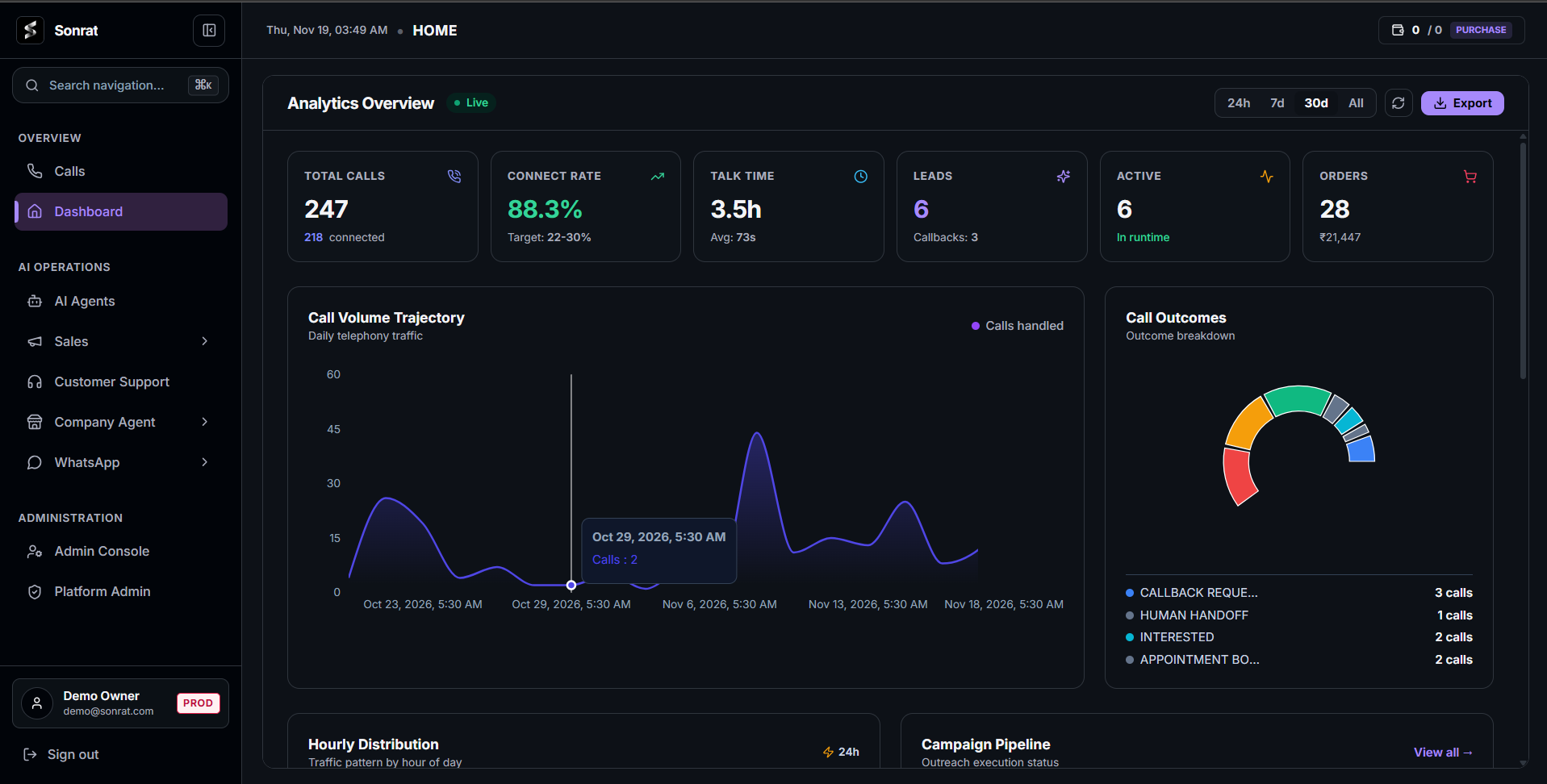
Call volume, connection rate, and talk time help you decide where to look. They are not a substitute for checking whether a customer’s request was resolved correctly. A short call can be successful or incomplete.
Sonrat.ai’s dashboard screenshot uses demo data to show the interface. The displayed counts and percentages are not published performance claims. Use the screen to understand the available views and ask which records your account can review.